SSL Certificate Expired? How to Fix It and Stop It Happening Again
Why SSL certificates expire, what visitors see when they do, how to renew quickly, and how to get warned before it happens.
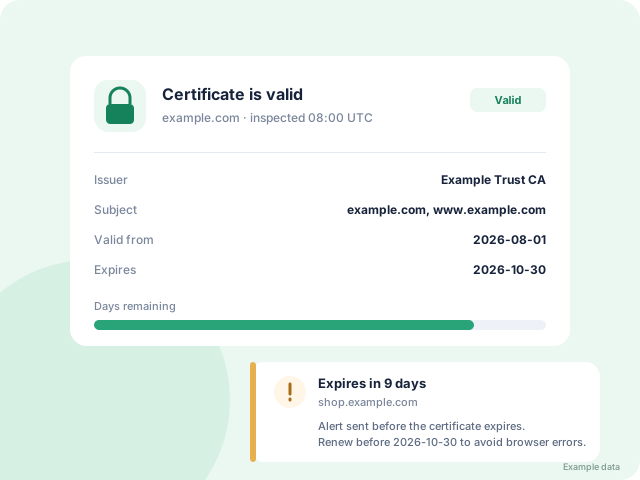
What happens when a certificate expires
Browsers such as Chrome and Safari block the page with a warning like Your connection is not private. Most visitors leave immediately, and search engines may stop showing your site.
Why certificates expire
Certificates have a fixed lifetime. Free Let's Encrypt certificates last 90 days, and paid ones up to about 13 months. Renewal often fails silently because of:
- a changed DNS record or server move
- an expired payment card at the certificate provider
- an automatic renewal job that stopped running
How to fix it quickly
- Check the certificate with our free SSL checker to confirm the expiry date and which names it covers.
- Renew it in your hosting panel, CDN (such as Cloudflare) or with your certificate provider.
- Install the new certificate and reload your web server.
- Run the checker again to confirm browsers trust it.
Stop it happening again
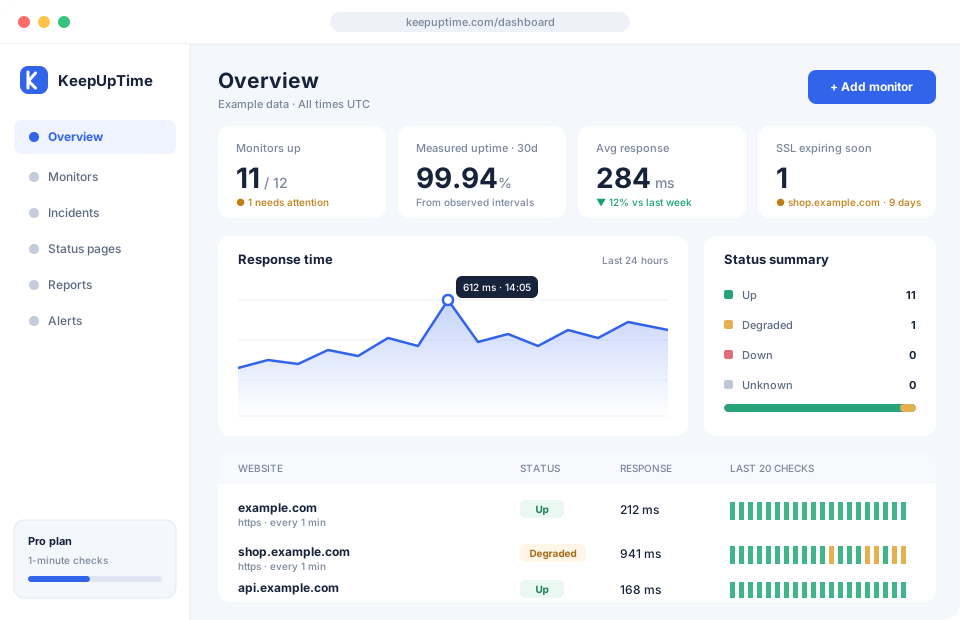
KeepUpTime inspects your certificate every day and warns you well before it expires. On the Pro plan you can also issue free Let's Encrypt certificates using a DNS TXT record.
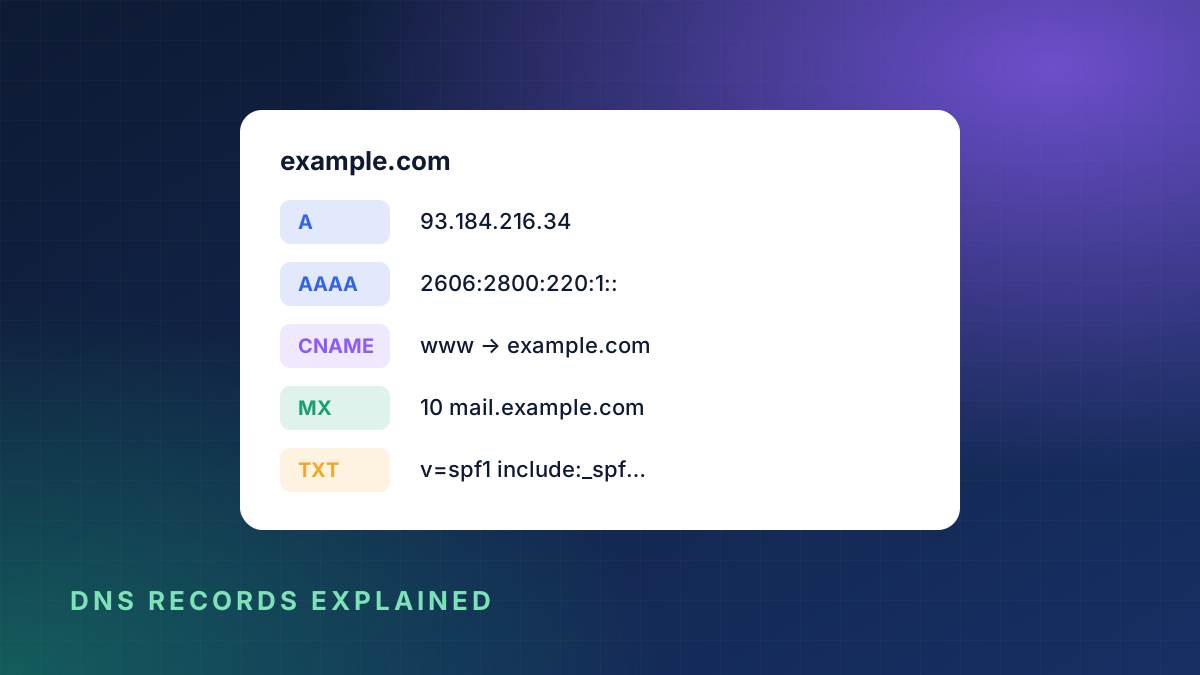
_acme-challenge.example.com TXT "token-value"Start your free trial and never be surprised by an expired certificate again.